Contradictions
Two sources say different things about the same subject. The check brings it out, with the values side by side. A person decides; the decision stays on record.
I want to…
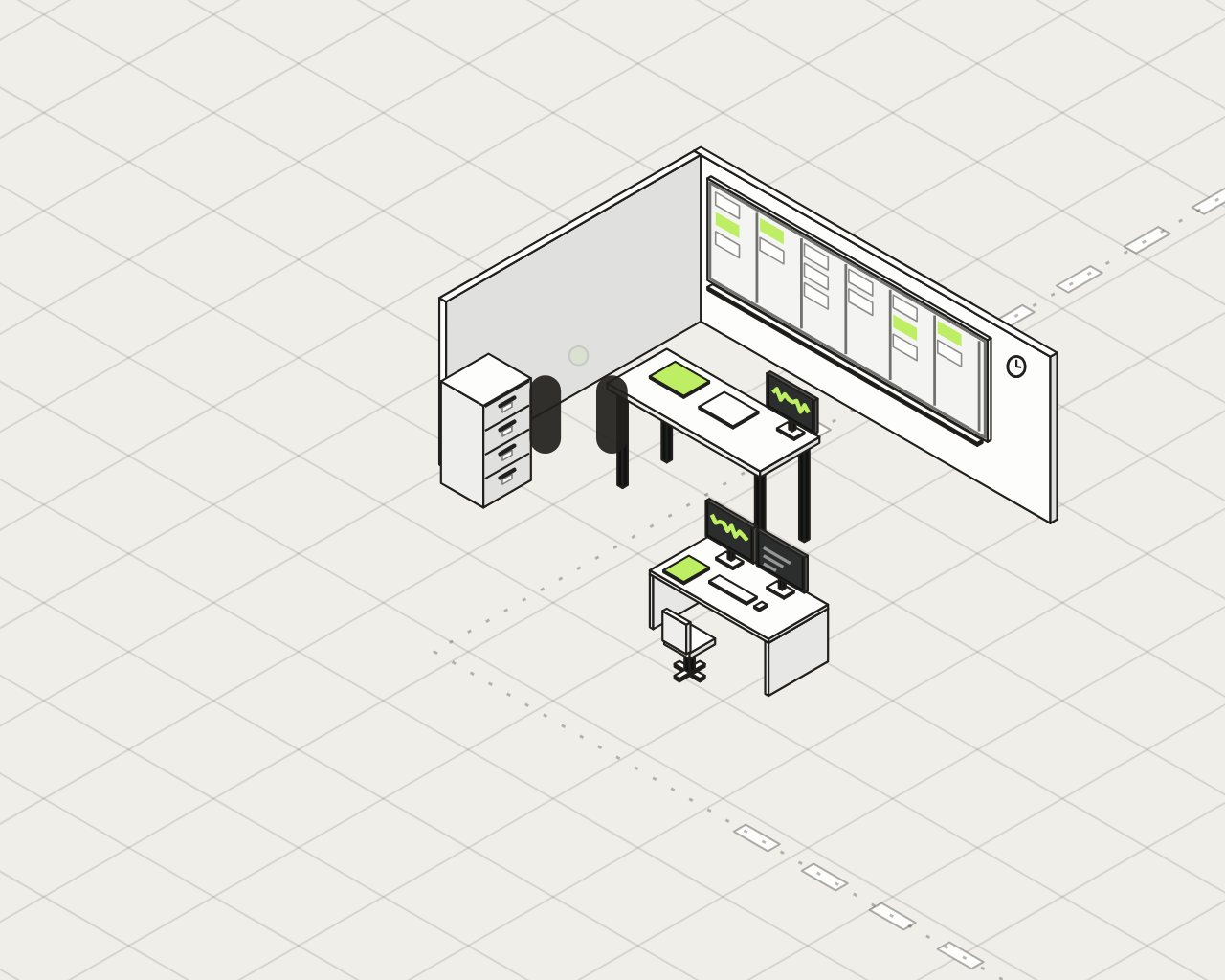 ManufacturingYour plant produces.
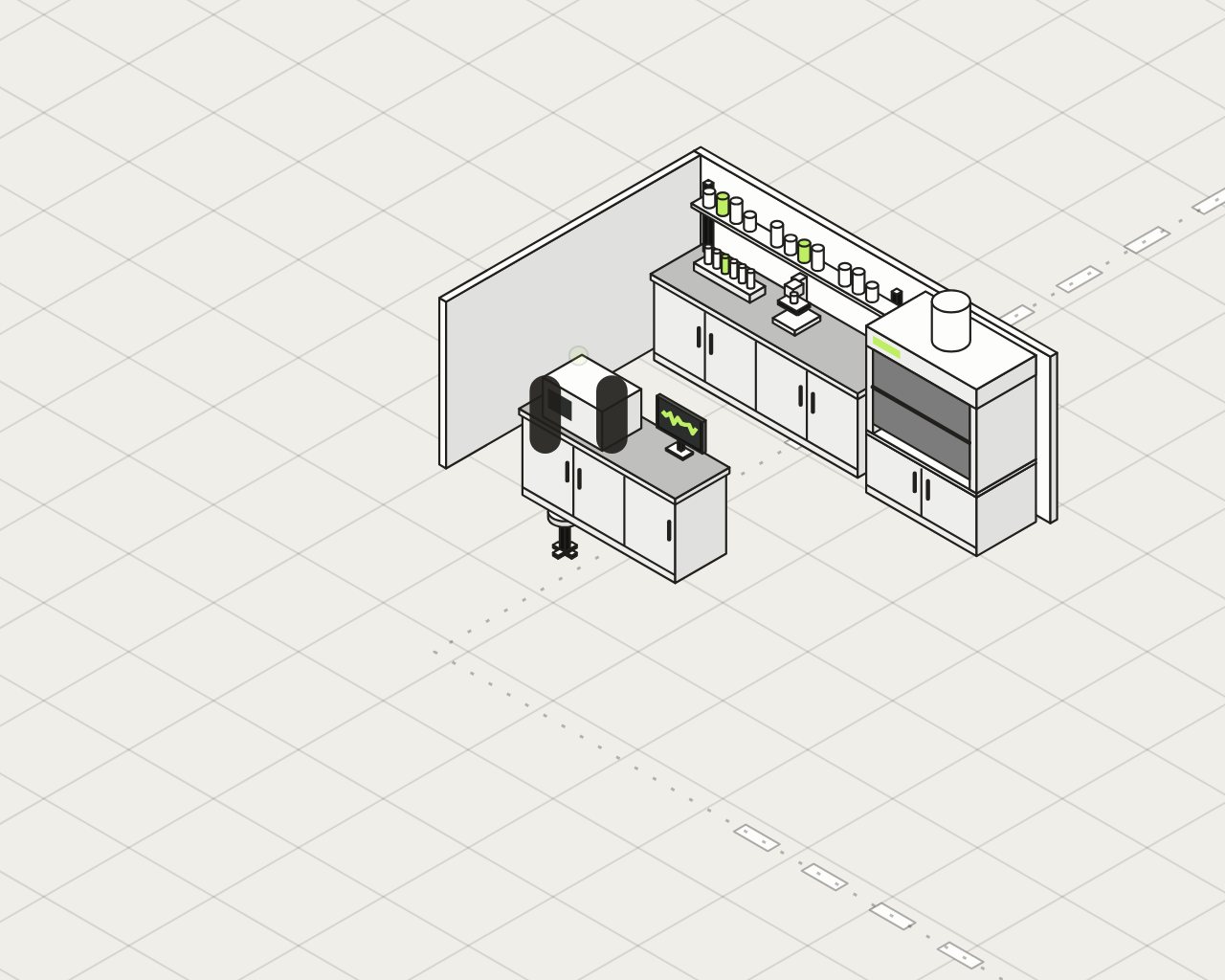 IndustrialYour facilities run.
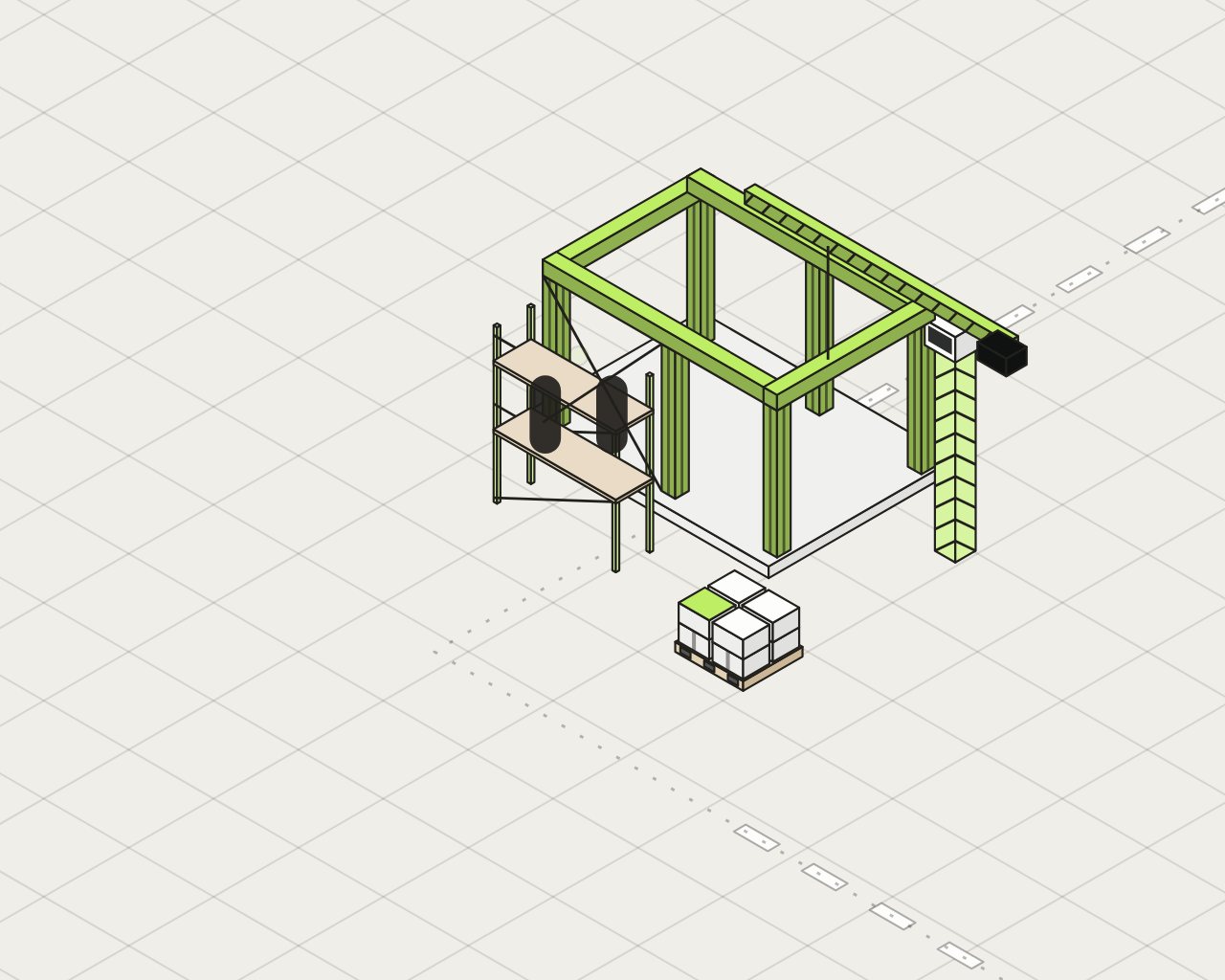 ConstructionYour job sites move forward.
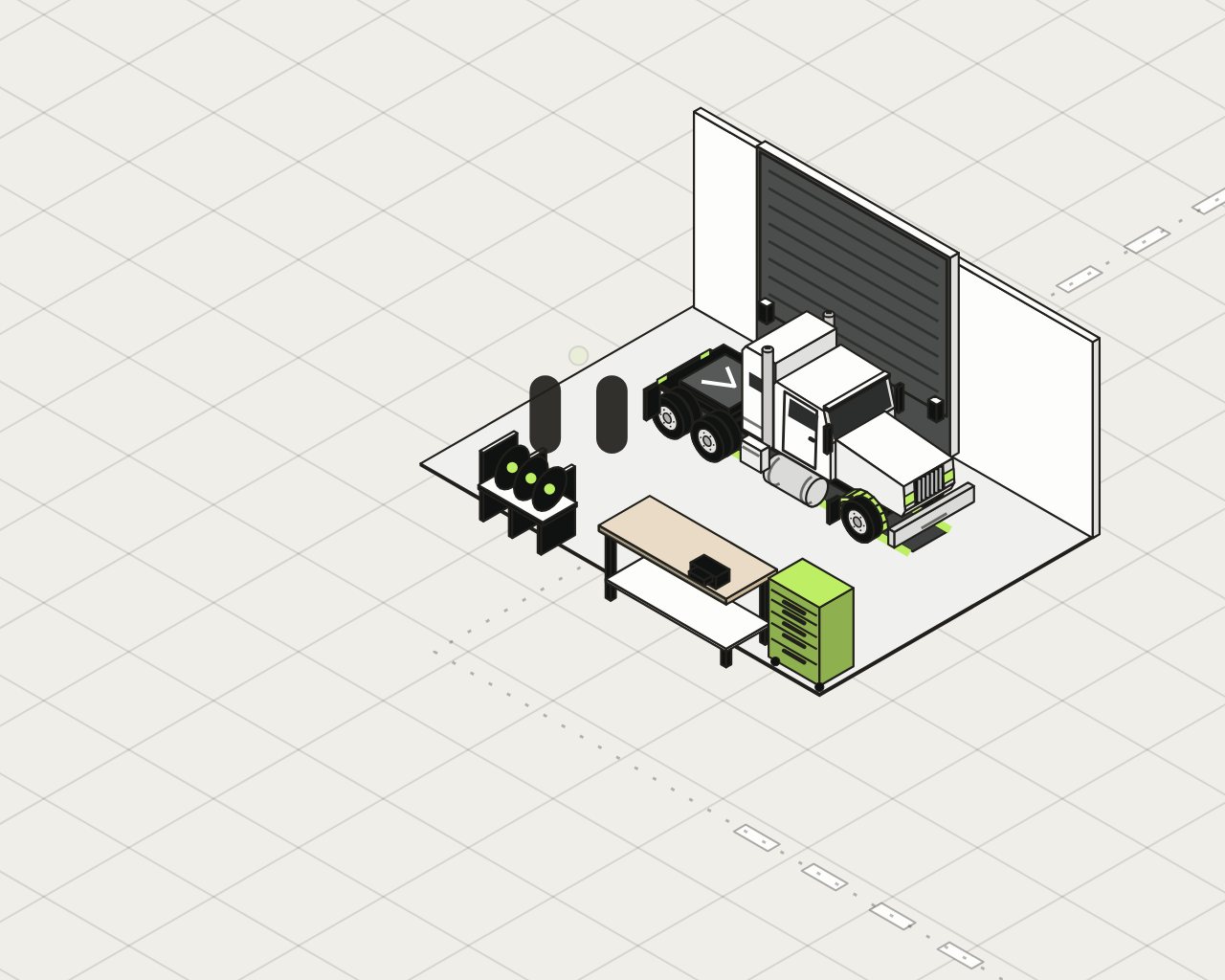 TransportYour trucks roll.
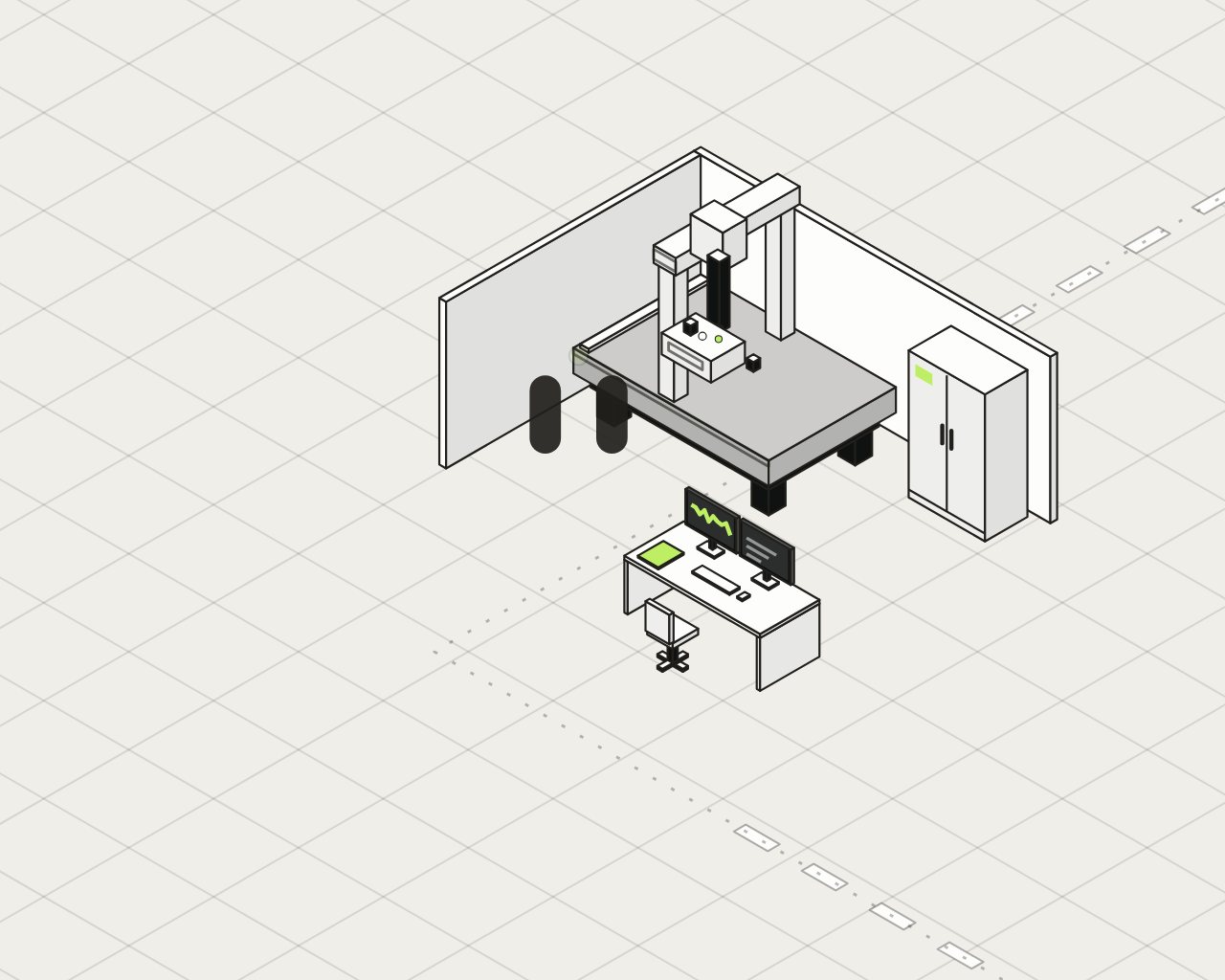 AerospaceEvery part has a history.
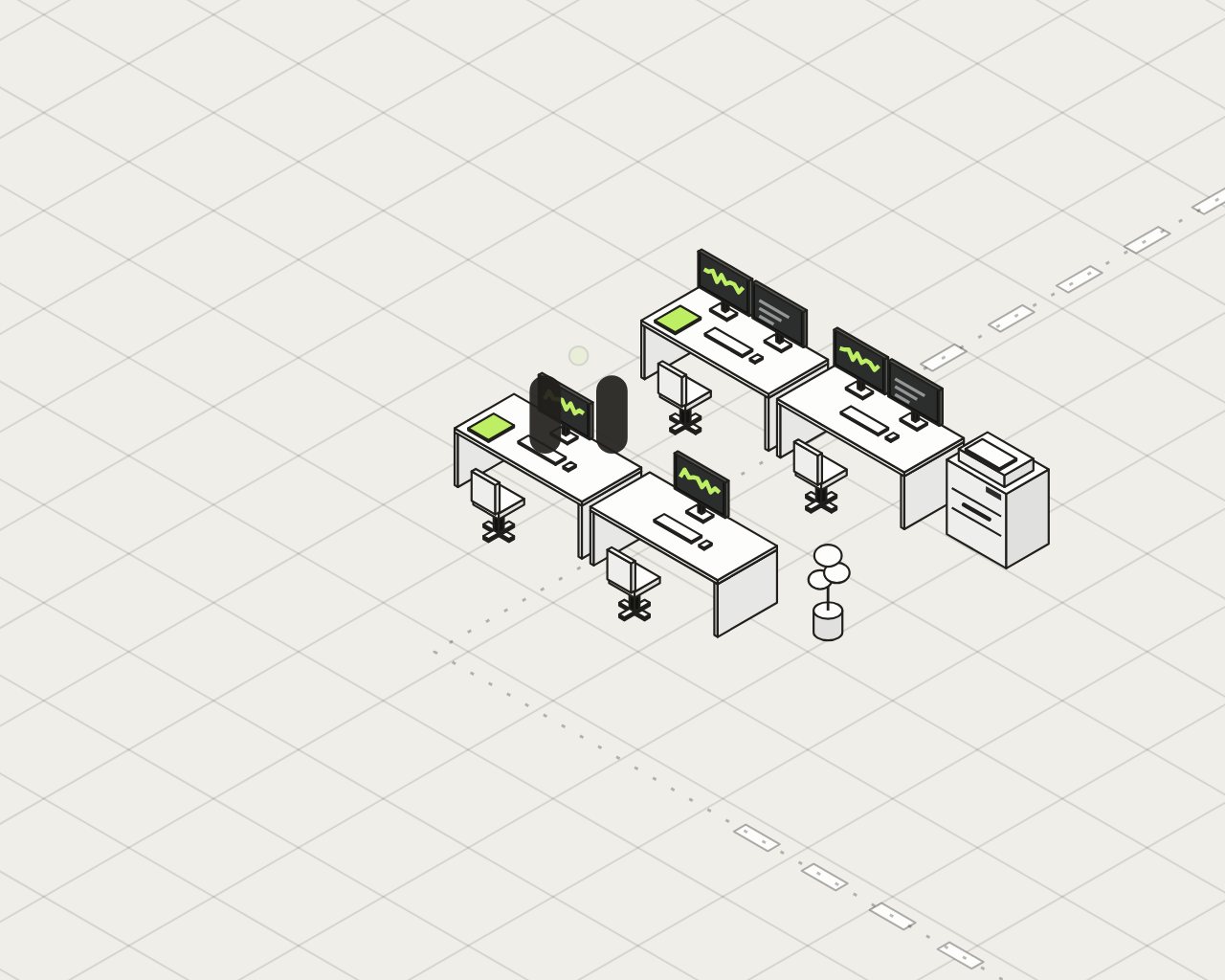 Professional servicesYour expertise is billable.
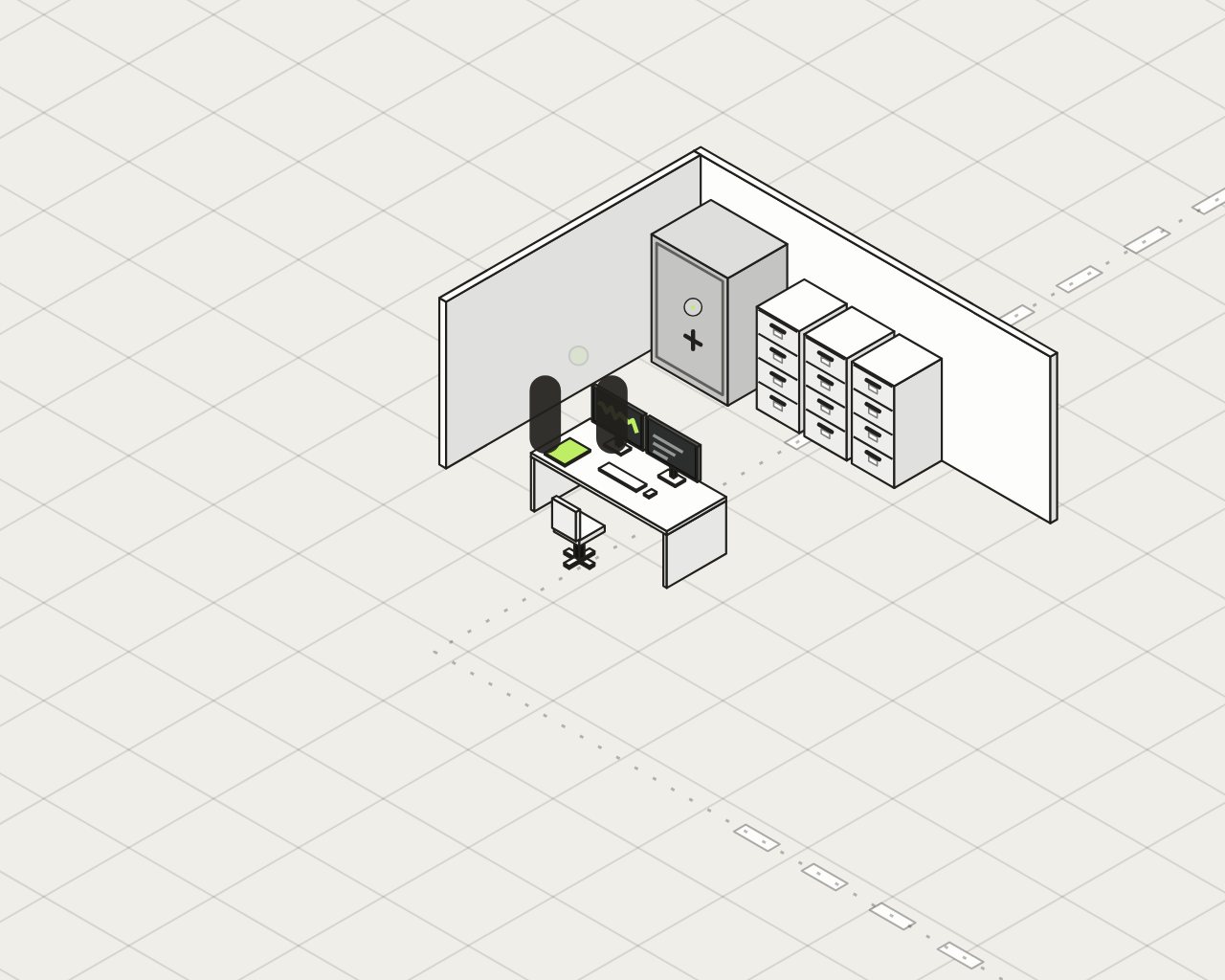 FinanceYour advisors guide clients.
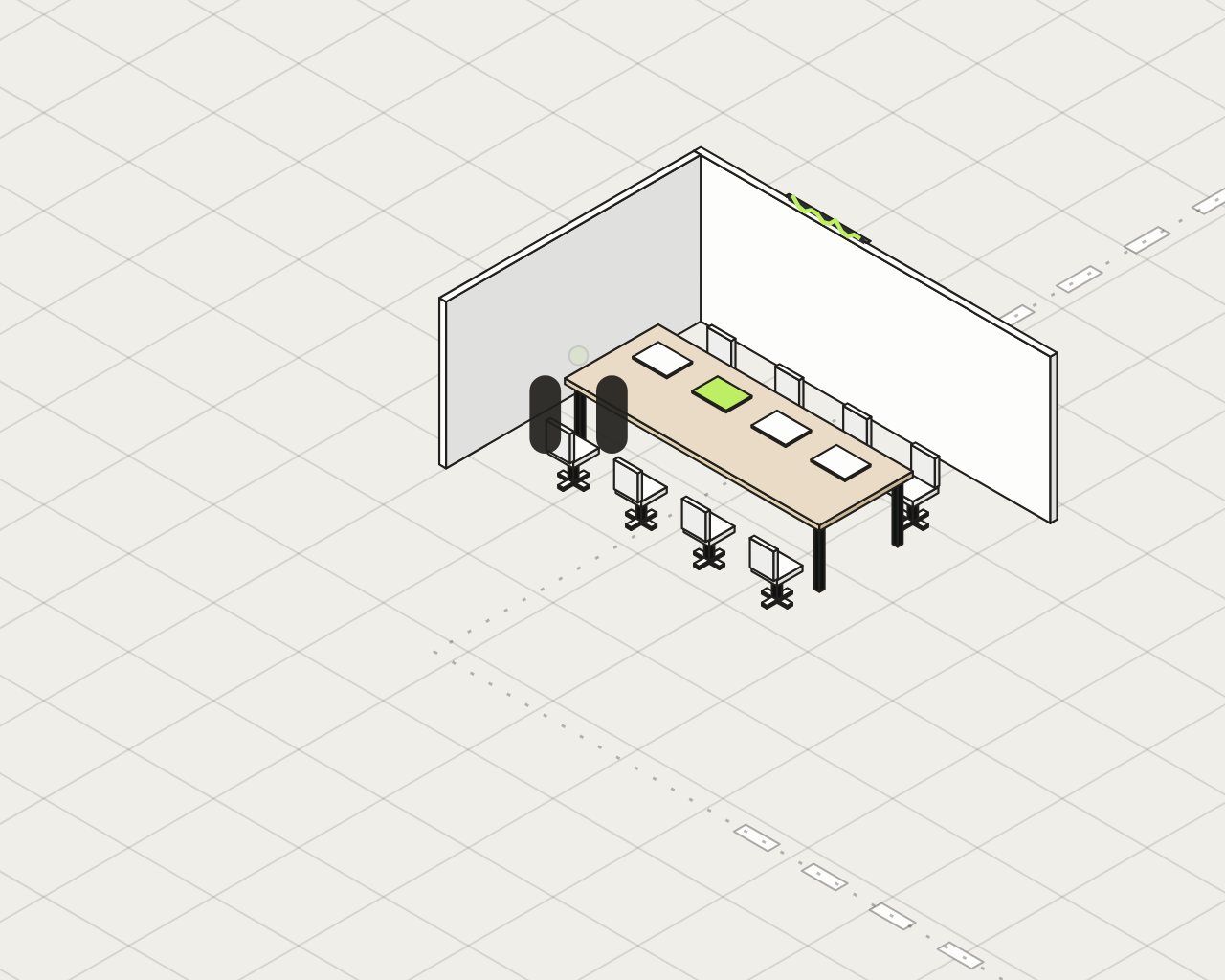 LegalYour firm advises.
 MedicalYour team provides care.
HUB AI Connect
HUB AI connects your sources, maintains the quality of your information and prepares actions in your software.
The path
Connect does not replace your software. It gets their information moving, verifies it, then makes it available to HUB AI.
Example
Illustrative example, with no real data.
Concept screen.
What you keep
You get more value from what is already in place. Teams keep working in the tools they know.
The checks
Sync status, incomplete read, reconnection needed. Resuming avoids processing the same events twice.
Two sources say different things about the same subject. The check brings it out, with the values side by side. A person decides; the decision stays on record.
Sync, incomplete read, reconnection: each status is stated simply, with what to do next.
Records that could represent the same entity. You decide; the decision stays traceable.
A software tool stops sending what is expected. The silence becomes visible before it gets expensive.
A break in a sequence of events. We flag the gap, not just the average.
Every finding keeps the reference to its source. Corrections are tracked and re-evaluated.
Control
Permissions match the selected sources. Findings respect each person’s rights.
In HUB AI
Connect provides the sourced context. The other products use it to analyze, collaborate and prepare actions.
HUB AI ConnectThe sourced context
HUB AI Intelligence
Admitted information feeds analyses and signals, with its provenance at hand.
See IntelligenceHUB AI Collaboration
Exchanges, documents and decisions rely on an up-to-date context, according to each person’s rights.
See CollaborationHUB AI Workflow
Connections serve as the footing for governed tasks and processes, with a human owner.
See WorkflowThe Diagnostic tells you which sources to connect first, and where your information loses the thread. It takes 3 to 4 weeks.
Play with the sphere. Beat HUB AI in three points.
You 00 HUB AI
Three points to win. Mouse or arrow keys. Esc to stop.Three points to win. Slide your finger to move your paddle.
You won
Well done. Now let’s talk about your company.
Understand how work really gets done at your company, before building anything. The Diagnostic takes 3 to 4 weeks.
[Offer terms, to be specified by HUB AI.]
If your email program opened, reread the letter and send it. Otherwise, copy it and send it to sales@hubaifactory.com, or call 514 556-8916.