The products
All your products, one Hub.
HUB AICollaborationWorkflowIntelligence
- One HubHUB AIAll your products, brought together around your business.Start with the Diagnostic →
- HUB AIDiagnosticYour business, in your teams’ own voice.
- HUB AIConnectYour software connected, according to your rights.
- HUB AIConversationsEvery call attached to the right file.
- HUB AIPrivate infrastructureAn environment dedicated to your company.
- HUB AIAccessEveryone accesses what concerns them.
- CollaborationExchangesChannels, messages, calls and dictation.
- CollaborationDocumentsDraft, compare, restore.
- CollaborationProjectsContext, responsibilities, next steps.
- CollaborationYour agentsAsk in plain language, track progress.
- CollaborationFilYour personal work memory.
- Workflowexecution agentsSpecialized agents, with their limits.
- WorkflowWorkflowsSteps, conditions, exceptions and retries.
- WorkflowApplication controlAuthorized actions, in your interfaces.
- WorkflowComposeYour forms, dashboards and tools.
- WorkflowCreusetProven before go-live.
- IntelligenceCompany memorySourced facts, decisions, commitments.
- IntelligenceWatch CentreAnomalies, deadlines, risks, opportunities.
- IntelligenceIntelligence by roleWhat matters for your role.
- IntelligenceLocal AIYour models, on your resources.
Your company’s intelligence, at the heart of your operations
HUB AI connects your teams, your information and your software to move work forward. Drawing on knowledge of your business, the platform prepares an integration suited to your operations, your priorities and each person’s responsibilities.
The products of HUB AI
Five products form the foundation: knowing your business, connecting your software, keeping the thread of your exchanges, hosting in your own environment and giving everyone the right access.
-
HUB AI Diagnostic
Get to know your business through the voice of your teams. Understand their tasks, their tools, their know-how and the exchanges between departments. Produce a portrait of the company, identify priorities and prepare the integration plan.
-
HUB AI Connect
Connect business software, CRM, ERP, email, calendars, documents and other sources. View and update information according to the available connections and the rights granted.
-
HUB AI Conversations
Link calls, meetings and communications to the right files. Find the useful information, the decisions and the commitments to follow up.
-
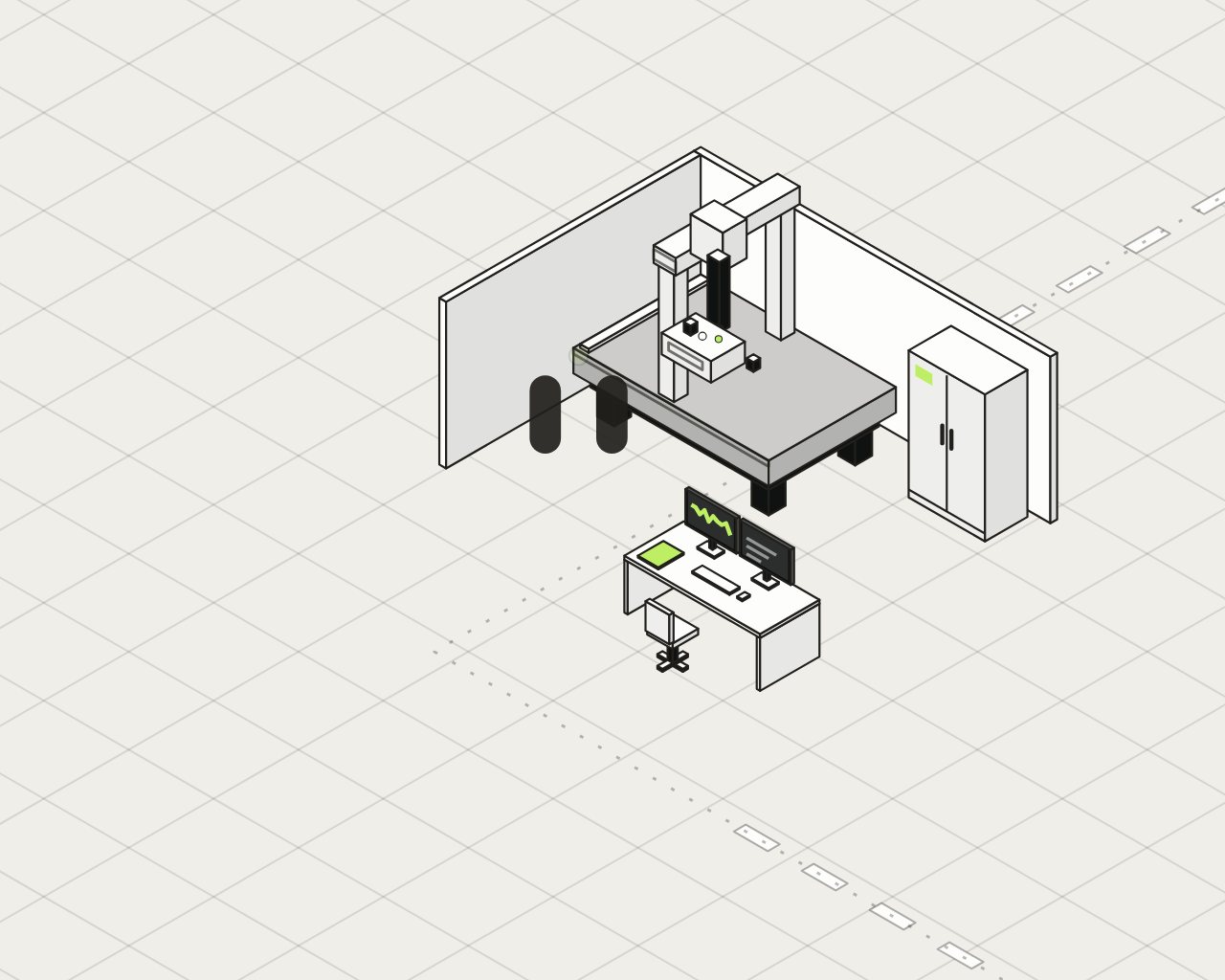
Private infrastructure
An environment dedicated to the company, computing resources, storage, backups, continuity and operations.
-
Administration and access
Management of users, departments, roles and permissions. Access to information, software, tools and agents according to each person’s responsibilities.
Example: a client follow-up
How it all works together
- Collaboration
A user asks for a client follow-up.
- Intelligence
The context and the relevant information are gathered.
- Workflow
The agents’ work is organized.
- Connect and Application control
The agents consult your software tools and, when needed, interact with an interface.
- You
You step in when a clarification or a decision is needed.
- Collaboration
The results, the documents and the status of the actions come back to the right space.
Creuset, upstream. Before a new capability or a new version is introduced, Creuset provides the evaluations and the evidence needed to review it. Discover Creuset
From the Diagnostic to your infrastructure
Before we build anything, we look at how work gets done at your company. Your model and your memory are then installed on machines that serve only you.
-
HUB AI Diagnostic
First of all
Before we build anything, we look at how work gets done at your company. Your employees describe and show their tasks, by voice, screen sharing, documents or email.
- Questions adapted to the industry and the role
- A portrait of your company, validated with your teams before anything is built
-
Your private infrastructure
Supercomputers dedicated to your company
Your data and your processing are brought together in an environment dedicated to your company. The dedicated supercomputers belong to HUB AI, which hosts and maintains them: no hardware to buy.
- Hosted in Canada
- Your knowledge, though, stays yours
-
Your local model
It runs on your machines
It specializes in validated cases from your business: your vocabulary, your formats, your methods. Each version is compared with the starting model before it goes into service.
- Rollback to the previous version is possible
The parts of the shared space
Every authorized employee can have their own personal agent. Teams share specialized agents. No agent without a mission, without rights or without a person in charge.
-
HUB AI Client
Each employee’s space
Their applications, tools, agents and authorized actions, in one place. The day starts on the Today screen: what needs your attention, the work to do, what has changed since your last visit.
- One portal per role and per department
- Search across authorized files
- The shared file: owner, next commitment, timeline, documents and decisions in a single view
-
HUB AI Collaboration
The shared space
Your teams and their agents in a single workspace: conversations, documents, tasks and files. People work there with their colleagues, their personal agent and the team agents.
- Shared documents, compared versions
- A “To validate” inbox for the work prepared by agents, with its evidence
- The project’s context stays: you pick up without re-explaining everything
-
HUB AI Fil
Pick up where you left off
Find the thread of your work: a file, a document, a draft, the last confirmed action. Fil distinguishes what was viewed, edited, proposed or sent.
- Nothing without your consent: opt-in activation and choice of sources
- Pause, correction, export
- Personal memory kept separate from the company’s
-
Personal agent
For each employee
It assists an authorized employee and supports them in the conversation. It prepares and proposes, according to that person’s rights.
- Personal memory kept separate from the company’s
- Defined rights and a human owner
-
Team agents
For each team
They are shared by a department or a specialty, serving its files.
- A task, a role or in-depth work
- Results submitted for validation
Memory, then intelligence
What you know, linked to its source. Watch Centre spots what changes; Role-based intelligence brings the right signal to the right person.
Your own AI. Let’s start with your business.
The Diagnostic tells you where HUB AI starts in your company. It takes 3 to 4 weeks.