Question 01
Can we quote without chasing drawings and quantities?
AnswerMissing information stands out as soon as the request comes in, with your comparable quotes alongside. The estimator starts from a complete base.
I want to…
 ManufacturingYour plant produces.
 IndustrialYour facilities run.
 ConstructionYour job sites move forward.
 TransportYour trucks roll.
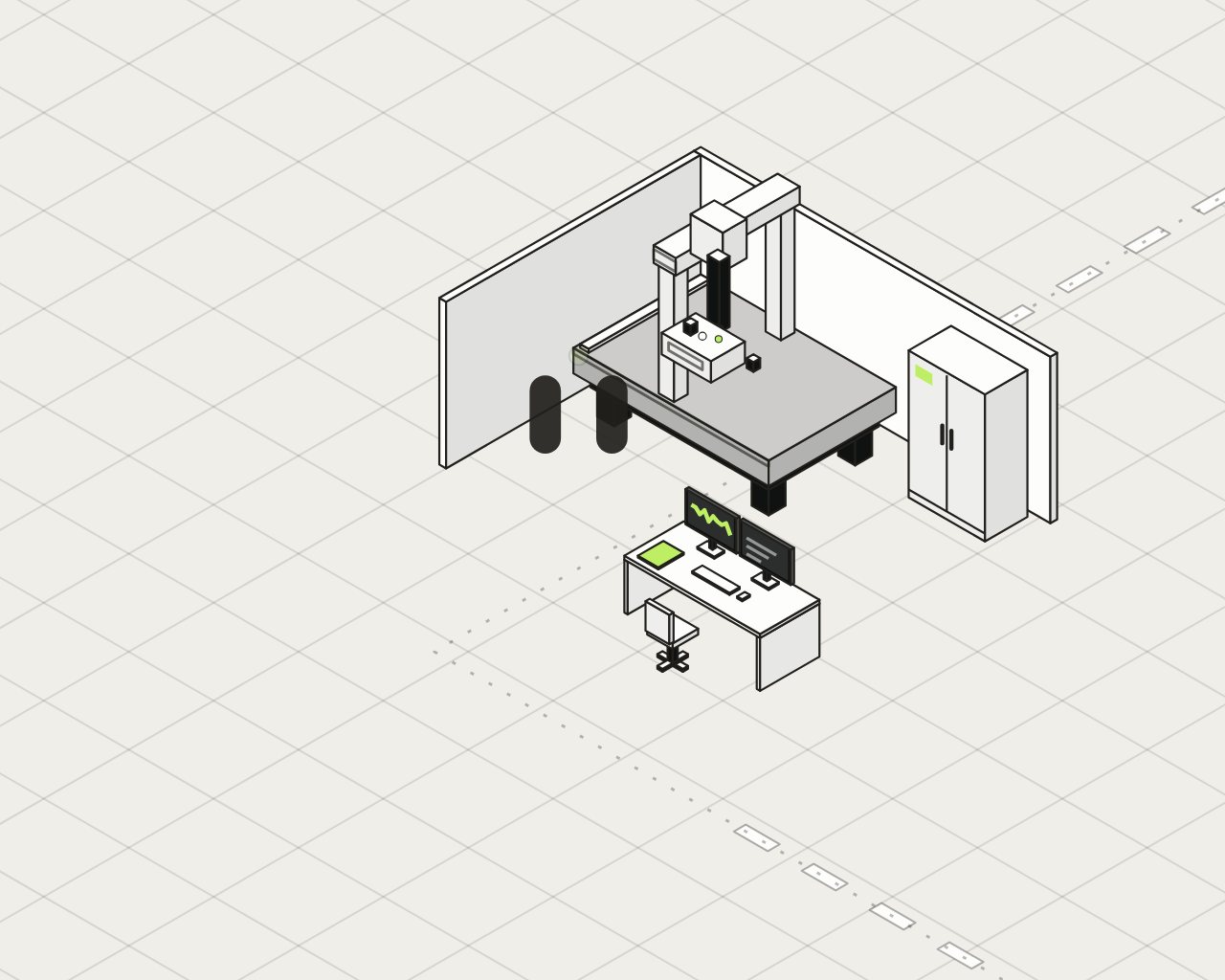 AerospaceEvery part has a history.
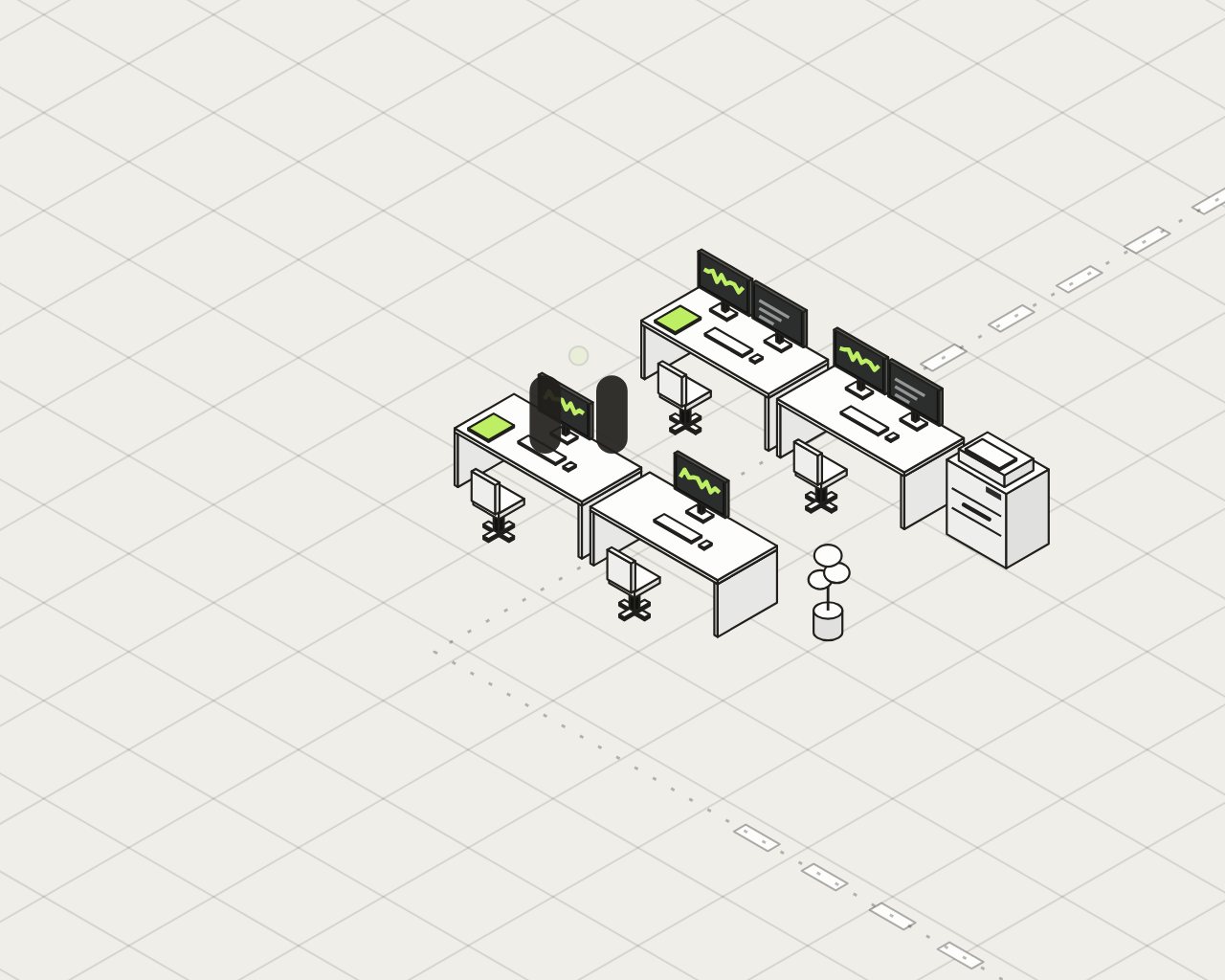 Professional servicesYour expertise is billable.
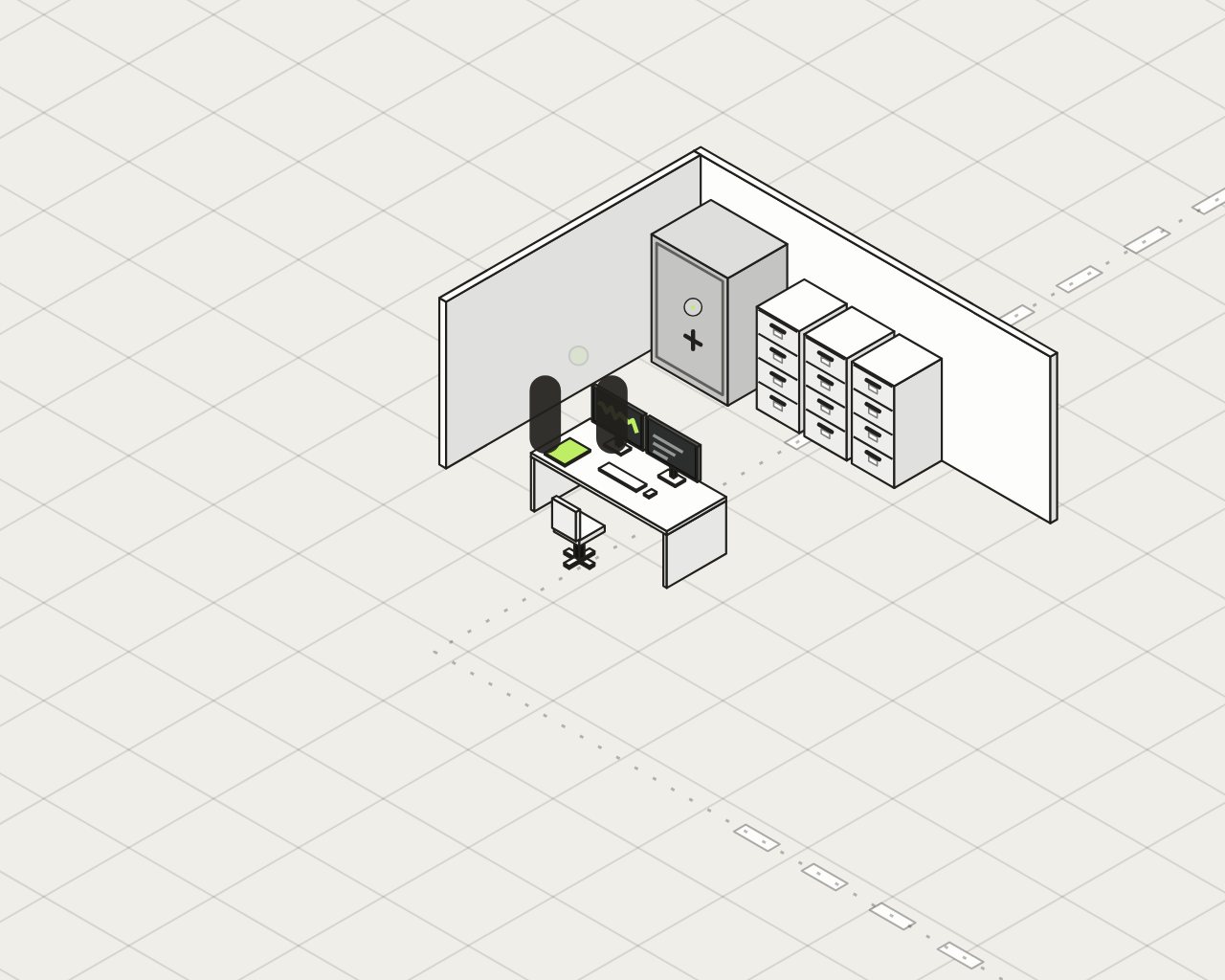 FinanceYour advisors guide clients.
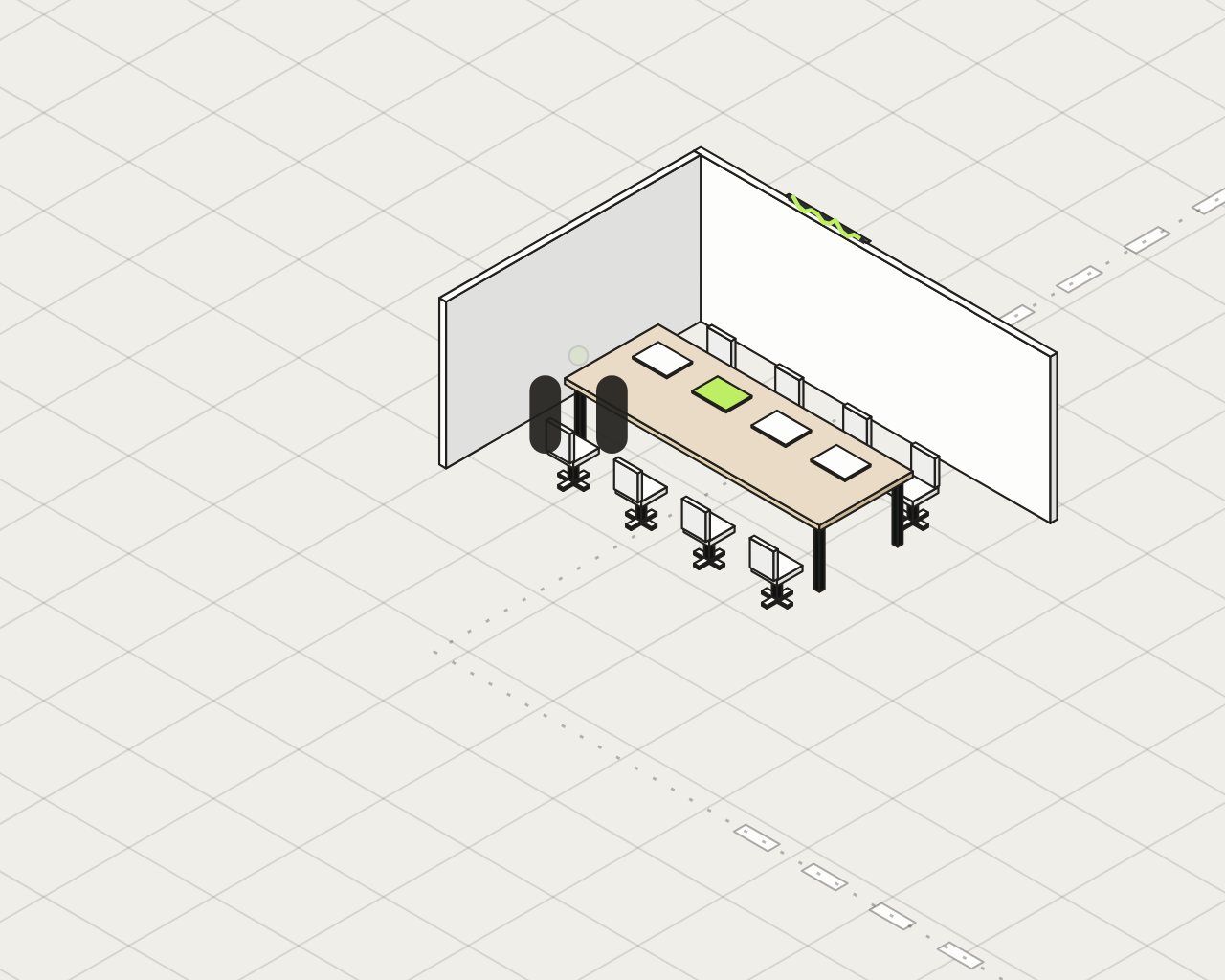 LegalYour firm advises.
 MedicalYour team provides care.
Industry: Manufacturing
For companies of 15 to 500 employees.
Revisions, delays, shift handovers and non-conformances: linked in a single memory, with their sources.
The planner, the buyer and quality decide. HUB AI prepares.
Three questions · Manufacturing
Question 01
AnswerMissing information stands out as soon as the request comes in, with your comparable quotes alongside. The estimator starts from a complete base.
Question 02
AnswerThe confirmation received is linked to the orders and due dates concerned, with the reminders ready to send.
Question 03
AnswerMachine stoppages and unavailability are linked to the orders and due dates concerned; the planner sees what slipped.
LimitYour managers keep every decision.
Let’s choose a first case in your plant.
Book my DiagnosticYour private foundation
Drawings, processes and cost prices stay in your environment. They are processed on supercomputers reserved for your company, where a model can learn your business.
An environment dedicated to your company, hosted at Hub AI, in Quebec. It is not shared with other clients; your teams access it over the web.
Drawings, routings, cost prices and processes stay in this environment.
Your processing runs on supercomputers reserved for your company. That same power is also used to train your model. HUB AI and its agents are available 24 hours a day, 365 days a year. This power is yours: you use it as you need it, with no bill for each job.
Manufacturing files, drawings and histories are processed on capacity reserved for your plant.
HUB AI can train a model on your ways of working, from examples validated by your teams. It is trained and hosted on these same machines, in Quebec, then tested before it goes into service. Your examples train only your model, and stay walled off, in Canada.
The model can learn your manufacturing vocabulary and your ways of working, from examples validated by your teams.
The Diagnostic will tell whether a tailored model is the right lever, or whether memory and agents are enough.
Six types of manufacturers where SMBs of 15 to 500 employees are numerous in Canada and Quebec. The pain points are working hypotheses, to be validated with you during the Diagnostic.
NAICS 332
Machining, welding, sheet metal, custom job work.
Pain points to validate: Quotes, drawing revisions, material certificates, non-conformances.
NAICS 333
Industrial and agricultural machinery, special equipment.
Pain points to validate: Changing bills of materials, missing parts, scattered technical documentation.
NAICS 326
Injection, extrusion, thermoforming.
Pain points to validate: Press settings, mould downtime, lot traceability.
NAICS 321 · 337
Doors and windows, cabinets, commercial furniture.
Pain points to validate: Product variants, order configuration, lead times.
NAICS 336
Trailers, specialized vehicles, parts.
Pain points to validate: Configurations by customer, welding and assembly, warranties.
NAICS 311
Food processing.
Pain points to validate: Food safety, lot traceability, allergens: specific stations to document.
Sources: Statistics Canada, tables 33-10-1014-01 (June 2025) and 16-10-0117-01 (2024); ISED, Canadian Industry Statistics, manufacturing 31-33 (2025); Institut de la statistique du Québec (2024). Aerospace has its own page.
Department shown: 1. Sales, estimating and orders
The information missing from a customer request (drawing, quantity, material, requested date) stands out as soon as the request comes in, with your comparable quotes alongside. The estimator starts from a complete base and sets the price.
The same chain in every plant: the order, methods, planning, purchasing, production, quality, shipping. One agent per step, under one person’s responsibility: it prepares, you decide.
“Can we quote without chasing drawings and quantities?”
The complete request before the price. The information missing from a customer request (drawing, quantity, material, requested date) stands out as soon as the request comes in, with your comparable quotes alongside. The estimator starts from a complete base and sets the price.
“Which routings does this revision affect?”
The revision, linked to what it affects. Link a new drawing or bill of materials revision to the routings, instructions, moulds or jigs and orders to review. The update follows the decision of the methods manager.
“If we slot in the rush order, what slips?”
Options, not surprises. Gather priority orders, confirmed materials and machine unavailability to prepare the options for the planner, who decides.
“Which orders are affected by a supplier delay?”
The delay, linked to the orders affected. The confirmation received from the supplier is linked to the orders and due dates concerned, with the reminders ready to send. The buyer sends the reminders.
“What’s still open for the next shift?”
A documented handover. Prepare the handover (work completed, stoppages, settings noted, next operation) for a machining cell, a press, a welding line or an assembly line. Checking the program or the setting is still done at the station.
“Have we had this defect before?”
The defect, with its context. Gather measurements, material lot, certificates, drawing revision and the history of the defect. Quality acceptance remains with the quality manager.
“Which lot does this customer return come from?”
From order to customer, without losing the thread. Prepare the shipping file, then link a request, a return or a warranty claim to the lot, the delivery and the original order.
“Is this the third time this machine has stopped?”
The intervention prepared, the procedure up to date. Prepare the intervention with previous breakdowns, available parts and the machine’s approved procedure (energy control, CNESST). The return to service is still confirmed by the person in charge.
Each use case relies on HUB AI products. The products used are shown in parentheses.
The industry’s other functions, in addition to those shown in the scene. Each example is a proposed path: it depends on the connected sources, the access rights and the appropriate tools, and the person responsible reviews or decides.
Organization represented: Manufacturing SMB with 15 to 500 employees that produces by order, by lot or by assembly. The perspective follows the chain common to all manufacturers: from order to after-sales. Variants to document: Food processing (food safety, traceability, allergens); pharmaceutical; continuous production; design and R&D.
Match order, receipt and invoice; only the discrepancies reach the person in charge, who decides on payment.
Gather documented versions, affected equipment and planned tests for a requested change. Documentation support, separate from machine controls.
Group the documented causes of recurring scrap and stoppages for the problem-solving meeting.
Variant to document: hygiene logs, lots, recipes and allergens. Applicable stations and requirements.
Indicators to measure: Time to identify the affected orders; incomplete quality files; supplier follow-ups with no next action. No quantified gain has been established.
Responsibilities: Prices, material substitutions, technical decisions, quality acceptances and returns to service are still confirmed by the people in charge.
Bring together the blocked files, their owner, the source documents and the decision expected, to prepare the management meeting.
Prepare the onboarding of a new employee with the tasks, requested access and documents that match their position.
Find an approved procedure, its version and the person to consult; prepare a training path by role.
Match order, receipt and invoice; present the discrepancies to the person responsible before payment.
Prepare a proposal from a request and authorized references; keep the commitments made to the client.
Group the requests tied to a file and prepare a reply with the real status of the work.
Compare offers against defined criteria and track the supplier’s missing documents.
Link an incident to the equipment, the symptoms already observed and an authorized procedure to help the technician.
Find documents by file and by access rights; track access requests and the applicable retention dates.
Flag contract deadlines and gather the documents for renewal or for review by the person responsible.
Link an event to a corrective action, an owner and evidence of completion.
Prepare maintenance work and track service contracts, equipment and scheduled inspections.
Private infrastructure
A plant handles information that its customers and competitors should never see circulating. Here is why the place where it is processed matters, and what HUB AI’s private infrastructure changes.
These references describe general obligations; they are not legal advice. Private infrastructure does not guarantee compliance on its own: compliance depends on your practices, your contracts and the assessment made for your organization.
The Diagnostic tells you where HUB AI starts in your company.
Play with the sphere. Beat HUB AI in three points.
You 00 HUB AI
Three points to win. Mouse or arrow keys. Esc to stop.Three points to win. Slide your finger to move your paddle.
You won
Well done. Now let’s talk about your company.
Understand how work really gets done at your company, before building anything. The Diagnostic takes 3 to 4 weeks.
[Offer terms, to be specified by HUB AI.]
If your email program opened, reread the letter and send it. Otherwise, copy it and send it to sales@hubaifactory.com, or call 514 556-8916.